


Which ETV Best Option Fits Your Device?
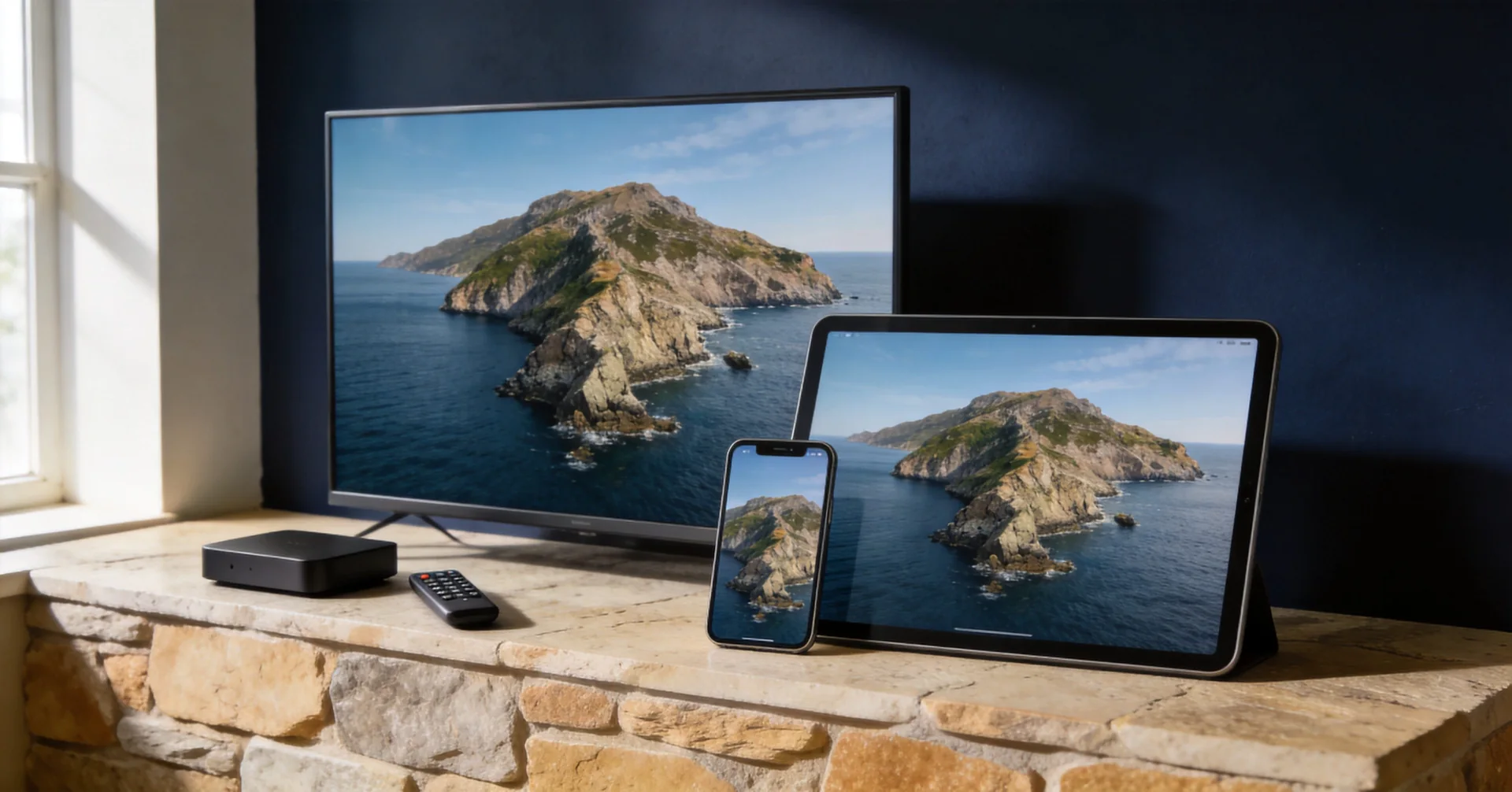
For compatible Android devices, use the ETV Pro APK download and installation guide to request an app link by verified email. Downloading the app does not activate a trial.
The best ETV Best option depends on the device you want to use. There is no single setup that fits every TV, phone, or streaming device. Check the device first, then choose the product and app or player that match it.
Choose between two setups for a new request: the ETV Pro app on a compatible Android device, or ETV Pro Xtream in a compatible player. Xtream player support can include Android, iOS, WebOS and other Smart TV systems, depending on the device model and player.
Identify the device that actually runs the app
If you use a stick or box connected by HDMI, identify that stick or box as well as the TV. The television brand alone does not tell us which system runs your player.
- Open Settings and look for About, Device information or System information. Note the model and operating system version; menu names vary by manufacturer.
- On many Samsung TVs, look under Settings, Support, About This TV. Check the Samsung model lookup instructions for your model year.
- Read the installed app name and version. The ETV Pro app and an Xtream-compatible player use different sign-in details, even when their icons look similar.
Send support the model, system version and app name if you are unsure. Hide serial numbers, account details and passwords in screenshots. Choose “Not sure yet” on the request form rather than guessing a product.
ETV Pro: the matching Android app
ETV Pro runs on compatible Android devices, including supported TVs, boxes, sticks, phones and tablets. Request a trial by email, choose ETV Pro and press the confirmation button on the page that opens. Your setup email then provides the app download link. Existing users can request the app link with their original email address.
For a new account, request a trial and complete the email confirmation first. On a compatible Android TV box or stick, open the download link from your setup email, approve installation when Android asks, and open ETV Pro. On a compatible phone or tablet, download the file and follow Android’s installation prompts.
Start the 3-day ETV Pro trial inside the app on an eligible device; no activation code is sent. A device that has already used this trial cannot start another one. One account supports one active device at a time. ETV Pro is listed with CDN delivery, but your connection, device, player and location can still affect streaming quality.
Use the product details you receive only with the matching app. This avoids a common setup problem: ETV Pro details do not sign in to an Xtream player, and Xtream details do not sign in to the ETV Pro app.
ETV Pro Xtream: more device types
ETV Pro Xtream uses a player that supports the Xtream API. Choose Xtream in your trial email and press the confirmation button on the page that opens. Eligible requests receive a server URL, username and password, subject to available trial accounts. Enter these details in the compatible player; opening an email link alone does not issue an account.
It can work through a supported Xtream-compatible player on:
- Android devices
- iOS devices (iPhone and iPad)
- WebOS TVs (LG)
- Other compatible Smart TV devices
Check your device’s app store for an Xtream-compatible player. Before installing, verify the exact player name, publisher, supported operating system and device model. Check the publisher’s current fees and trial terms for your country; player pricing is separate from your ETV Pro Xtream service.
Xtream access normally uses a server URL, username, and password. Player availability, compatibility, and fees can change — any fee belongs to the player app, not to your ETV trial. Check that the player supports your exact device before you install or use it.
Existing ordinary ETV accounts
If you already have an ordinary ETV account, keep using the Android app that matches that account. Ordinary ETV is not a new trial choice on this website.
An existing ordinary ETV account does not sign in to the ETV Pro app or an Xtream-compatible player. Ask support to confirm the matching app with your existing product and device model.
CDN delivery does not guarantee uninterrupted playback. Your connection, device, player, location and the available stream source can affect quality.
Do you need a TV box?
Not always. A compatible TV, phone, tablet, streaming stick or box may be enough when it has the correct app or player. An app already installed on a box does not establish compatibility or include an active subscription.
Before you choose
Ask these practical questions:
- What operating system does my device use?
- Am I using Android, iOS, WebOS, or another Smart TV system?
- Does my product need the ETV Pro Android app or an Xtream-compatible player?
- Is my exact device and player supported?
- Will I use the account on only one active device at a time?
For more help, see Devices & Players, Product Options, and Account & Access.